Your Chromebook’s Gallery app could soon offer a way to edit images with Google Photos
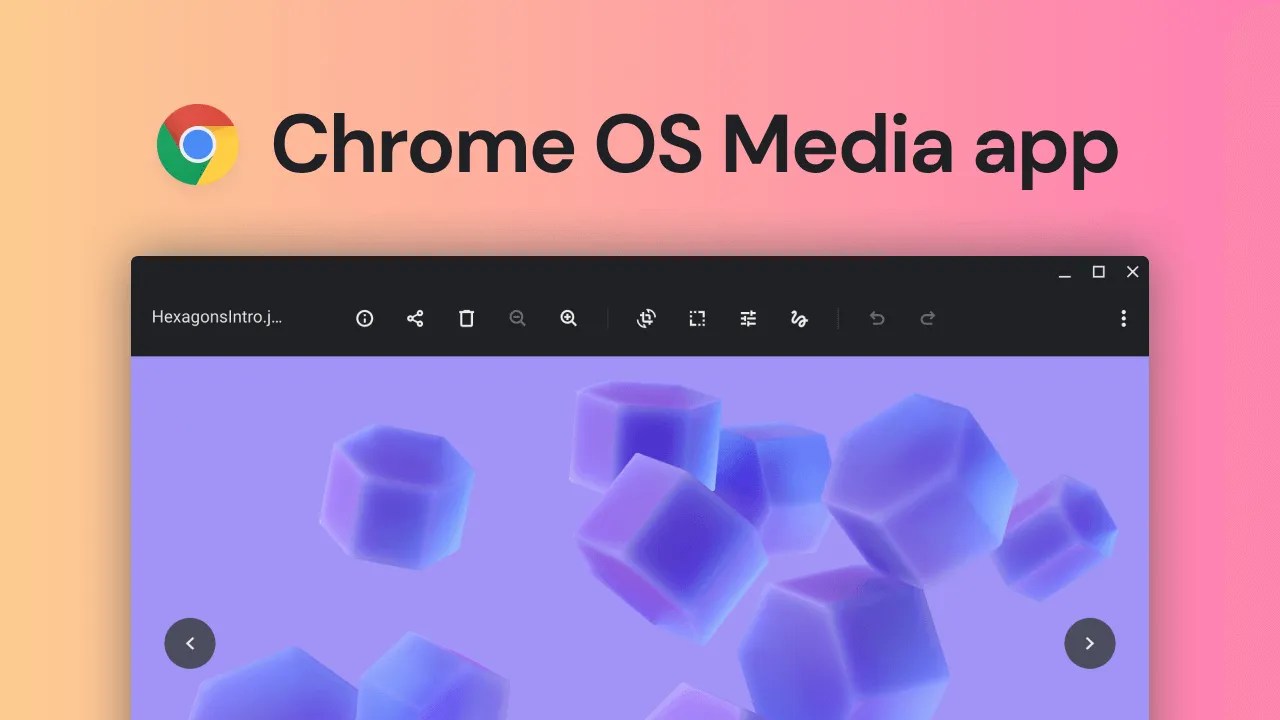
Chrome OS’ Gallery app has long been rather rudimentary, but that’s changing fast. Since the inception of Chrome OS as a web-first operating system, Google has invested a lot of resources in making the OS feel more robust, and enhancements to the Gallery app in the form ofrudimentary editing toolswere just one part of that effort. The latest new feature that might soon come to Gallery is the option to edit photos and videos right inside Google Photos, without having to head to the website first.
Based on evidence9to5Googlefound in an upcoming Chrome flag, the media app is about to add a shortcut to Google Photos’ more comprehensive editing tools. The option should be available for both videos and images. For photos, the flag description reads, “Within Gallery, enable finding more editing tools for images in Photos,” with the flag itself carrying thechrome://flags/#media-app-photos-integration-imagedesignation. Based on this wording and further evidence found by the publication, this is shaping up to be a shortcut to the Photos Android app, with the Gallery app seamlessly handing over the media file in question to Photos and its more robust editing suite.

Of course, you can already edit images from your Chromebook in Photos, but as of today, you have to manually open it in the Photos app rather than just using a quick shortcut in the Gallery when you’re already viewing the image you want to tweak. The Gallery will apparently still serve as a quick-stop option for minor changes and annotations, so it’s not like its capabilities are going to go anywhere.
As with any feature found in an early development phase, there is no guarantee that Google will actually ship it in the current form. It’s also possible that it will be shelved altogether, or waiting in the development backlog for a long time.
The note-taking app I should have used all along
Broader branding hints at wider paid-tier ambitions

Pixelsnap on a Pixel 9
Not yet, anyway

Navigate through galaxies of customization with Samsung’s One UI Home
Perfect for all types of devices

