Which Fitbit Models Have Always-On Displays?
Fitbit has several models, from the kid-friendly Ace series to devices targeted at adults. With different prices, you can find a Fitbit whether you want a fitness tracker or a full-fledged smartwatch like the Fitbit Sense. An always-on display is a nice-to-have feature for providing an overview of the current time, notifications, and more without waking the screen. It is especially convenient while you’re working out.
However, not all Fitbit devices have an always-on display feature. If you’re in the market for a Fitbit with an always-on display, here are the various Fitbit models you should consider buying.

1. Fitbit Sense
The original Fitbit Sense released in September 2020 marked the company’s entry into the smartwatch market and was a rival to existing brands like the Apple Watch. With advanced tracking features and a sleek design, it also includes an always-on display.
it’s possible to enable or disable the always-on display on the Fitbit Sense. However, the feature is only available on some watch faces, as with all the other Fitbit devices. You can pick between an analog or digital clock in case you select a clock face that doesn’t have its custom always-on display mode. Certain apps also have an always-on display mode.
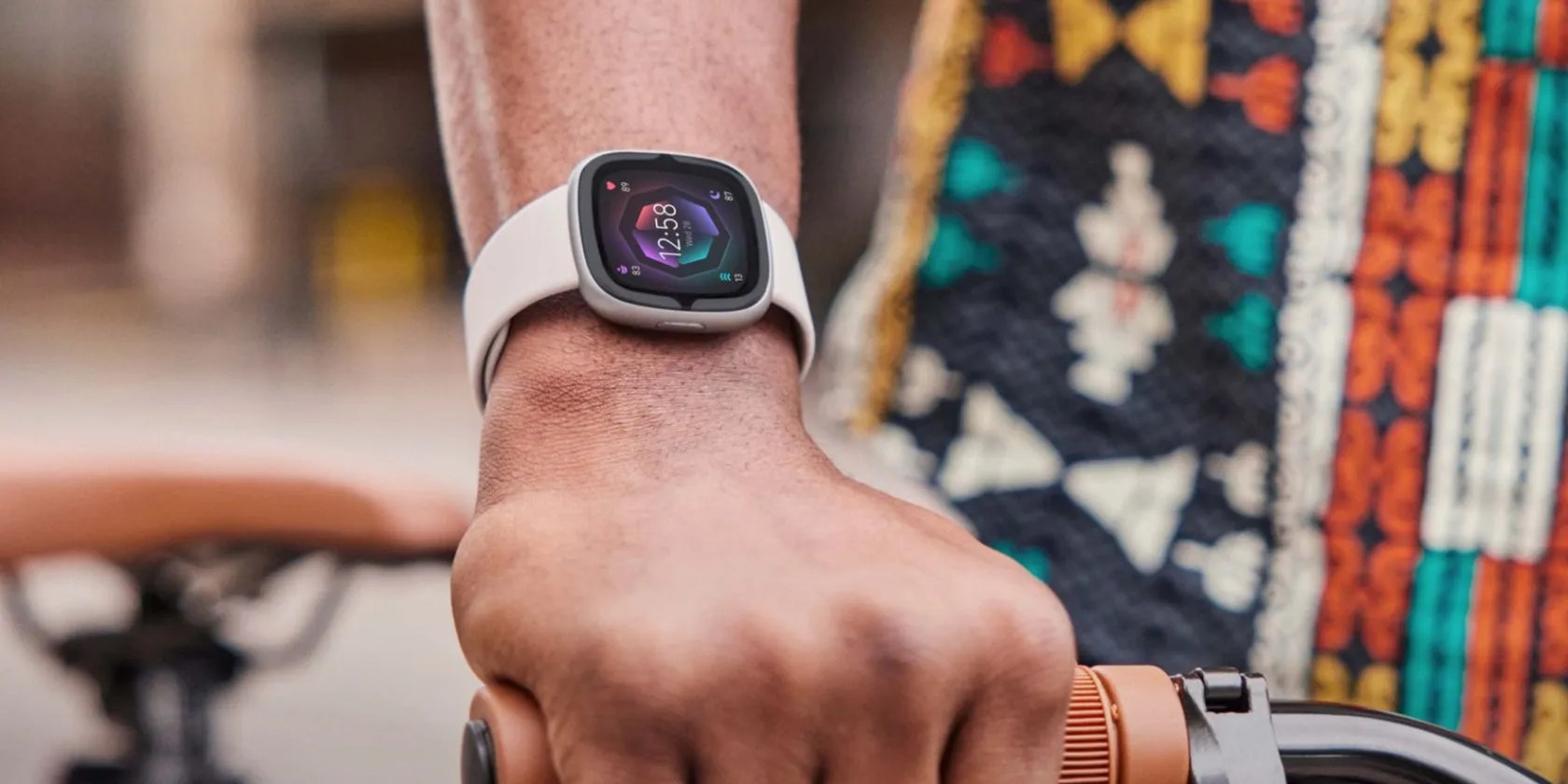
2. Fitbit Sense 2
Like the original Fitbit Sense, its successor has always-on display support. Similar to the original Fitbit Sense, you can also toggle the feature on or off on the Sense 2. It displays the current time when enabled, although some apps also have their custom always-on display mode that can show more details on the screen.
3. Fitbit Versa 4
The Fitbit Versa 4 isthe latest Fitbit modelin the Versa series at the time of writing. Like the high-end Sense series, you get an always-on display on the Versa 4 showing the current time without waking up the display.
Similar to the Sense 2, many clock faces have an always-on display mode and, if you’re lucky, your favorite app may have it, as well. However, don’t get your hopes high.

4. Fitbit Versa 3
Fitbit’s Versa 3 also has an always-on display feature. However, it wasn’t the first device in the Versa series with the feature. you could pick between an analog or digital clock as your default always-on display clock face that will apply while using a watch face without an always-on display mode.
As a cheaper alternative to Fitbit’s original Sense smartwatch, it only makes sense to ask yourselfwhether you should get the Fitbit Sense or the Versa 3.

5. Fitbit Charge 5
Launched in September 2021, the Charge 5 was the first in the series with always-on display support. The feature is optional to use, like on other Fitbit models. The Charge 5 also has a default always-on display clock face that will be used in case you use a watch face without the mode available.
6. Fitbit Luxe
Like other Fitbit models in this list, the Luxe has an OLED panel with always-on display support. Always-on display mode displays the current time by default, and you can enable or disable the feature. Some clock faces have their custom always-on display mode, but the default will be used in case the applied clock face doesn’t have any.
The reason for such flexibility is to give you the power to choose whether to use the feature, considering it drains your battery faster when enabled, regardless of the Fitbit model.

7. Fitbit Inspire 3
Although not amongthe best fitness trackers, this is the cheapest Fitbit model with always-on display support. As with other models with always-on display support, Fitbit offers default always-on display clock faces, but you may get more options by switching to clock faces with the dedicated, always-on display mode.
Should You Only Buy Fitbit Models With Always-On Display Support?
It depends. An always-on display is a must-have feature if you’re the active type that adores working out. Without it, you’ll have to touch the display to wake up your Fitbit device just to check your current progress. If that doesn’t bother you, you don’t have to buy a model with always-on display; otherwise, please do.
One major downside of always-on display is it will cause faster battery drain, leading to more frequent charging. To get the best of both worlds, buy a Fitbit model with an always-on display but only enable the feature when necessary.
Fitbit smartwatches have experienced a surprising series of downgrades. So, are they even worth considering?
Revolutionize your driving experience with these game-changing CarPlay additions.
Some subscriptions are worth the recurring cost, but not these ones.
My iPhone does it all, but I still need my dumb phone.
Don’t let someone else take over your phone number.
Tor spoiled me forever.
