Raspberry Pi Pico W Gains Bluetooth Support: What You Can Do With It
The Raspberry Pi Foundation recently announced an exciting firmware update for the Raspberry Pi Pico W variant, addressing one of the most sought-after features among makers—Bluetooth support. With the release of version 1.5.1 of the C SDK and the latest MicroPython build, it’s possible to now have Bluetooth connectivity on your current Raspberry Pi Pico W board.
While it’s always been obvious that Bluetooth support would be added, its official announcement now drags it out of the beta phase into a fully functional feature. But, why is this important?

What’s New?
The Infineon CYW43439 radio chipset used in the Pi Pico W (supporting both 802.11n Wi-Fi and Bluetooth 5.2) has always had Bluetooth capabilities. However, upon its initial launch, the Pico W firmware and host-side software only enabled Wi-Fi.
A huge part of the delay stemmed from the challenges experienced in getting both Bluetooth and Wi-Fi to work concurrently over the three-pin SPI bus that links the two chips on the board.
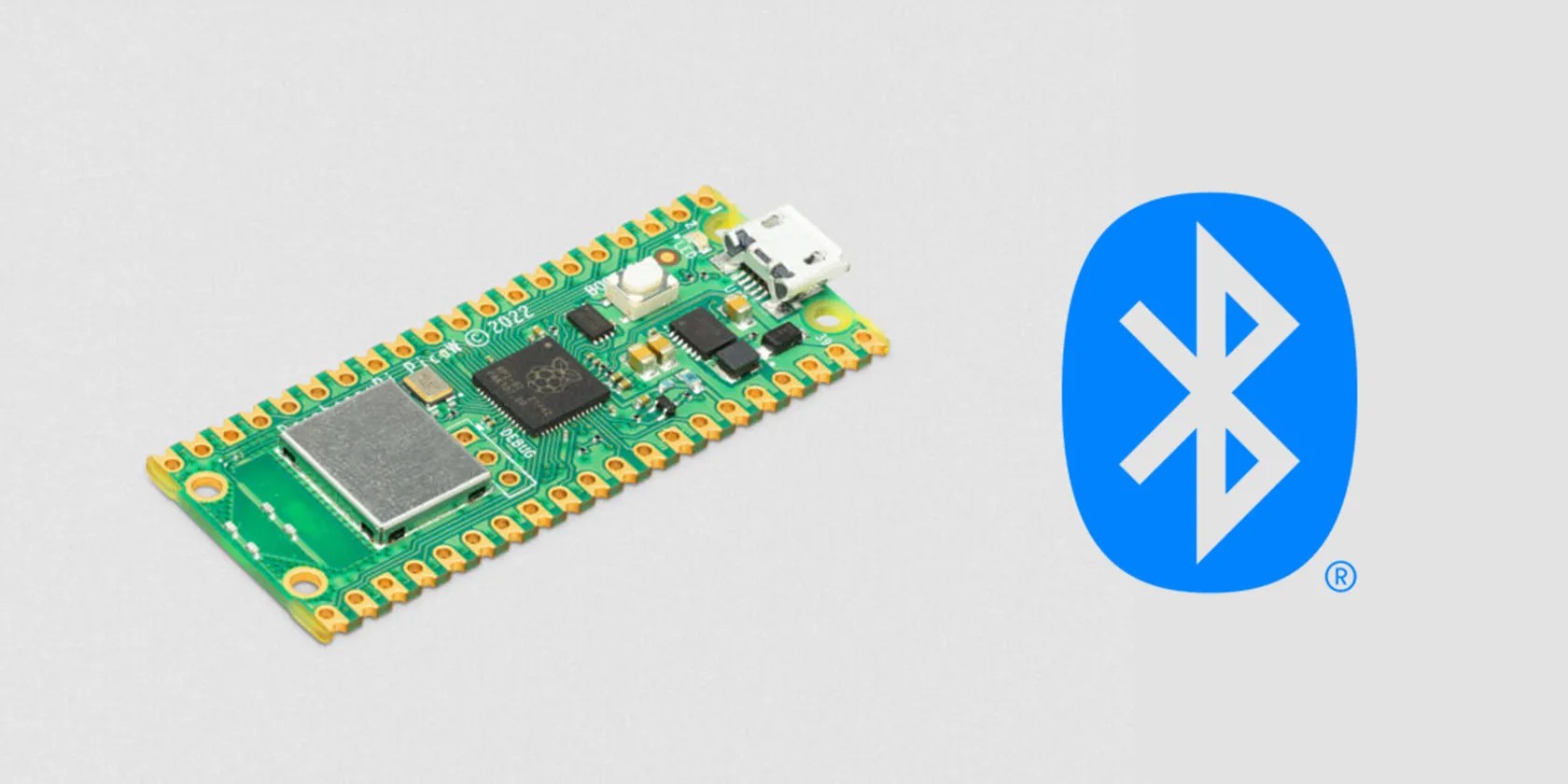
Announced on theRaspberry Pi blog, this update (although mostly a bug-fix release) includes support for Bluetooth Classic (with the temporary exception of ACL/SCO) and enables the Pico W to function as both a BLE Central and Peripheral device. What’s more, it gives you the flexibility to configure your Pico W to enable Bluetooth Classic and BLE individually or have both options available simultaneously.
The inclusion of BlueKitchen’s BTStack, which expands compatibility for both Bluetooth Classic and Low Energy profiles, is an intriguing feature. This library is normally only licensed for non-commercial use, but a supplementary license for the Pico W (and WH) enables its use on the latter for commercial purposes.

Do I Have to Buy a New Board?
Since this release focuses on upgrading the firmware on your existing Pico W board, you don’t have to buy a new one. To take advantage of the new Bluetooth features, all you have to do is download the latest firmware update. The new version of the C SDK, version 1.5.1, is available onRaspberry Pi’s GitHub repo.
You can also download the latest MicroPython build with Wi-Fi and Bluetooth LE support from Raspberry Pi’sMicroPython documentationpage to flash onto your board to get the latest update that now supports Bluetooth.

Projects You Can Do Now
With Bluetooth support now officially out of beta, you have the chance to try out an array of exciting projects that were previously limited by the lack of Bluetooth connectivity on Pi Pico W boards (or required a separate Bluetooth module). Here are a few ideas to spark your imagination.
Game Controllers
Develop custom Bluetooth game controllers for retro gaming or immersive virtual reality experiences. The Pico W’s compact form factor and low latency Bluetooth communication make it an ideal platform for building unique gaming peripherals.
Wearable Technology
Incorporate the Pico W into wearable projects, enabling communication with Bluetooth-enabled devices, such as heart rate monitors, fitness trackers, or smartwatches.
Home Automation
Build a home automation system that leverages Bluetooth capabilities to control and monitor various appliances and devices throughout your home. You can create a custom mobile app or integrate it with existing smart home platforms to manage lighting, appliances, and security systems.
Bluetooth Controlled Car
Make the most of the Pico W’s compact form factor and new Bluetooth support by developing your own custom Bluetooth-controlled robot car. You can include a web interface or mobile app to control the car remotely.
Bluetooth MP3 Music Player
You can now try building a Bluetooth music player as a fun project. It may become a little challenging trying to modify an existing project, but it is definitely possible now that there is official Bluetooth support for the Raspberry Pi Pico W.
These project ideas are just the tip of the iceberg, and with the newly enabled Bluetooth support on the Raspberry Pi Pico W, the possibilities are truly endless. In case you missed the beta version of this feature, we have a guide onhow to try Bluetooth on the Raspberry Pi Pico W.

Go Wireless With Pico W Bluetooth
This exciting update greatly expands the capabilities of the Pico W, introducing support for Bluetooth and Bluetooth Low Energy connectivity. Raspberry Pi Pico W’s newfound Bluetooth capabilities open up a world of exciting projects. Download the latest firmware update, explore the wealth of resources available on GitHub, and embark on your next wireless adventure.
The wireless version of Raspberry Pi’s powerful Pico microcontroller board offers a wealth of possibilities for IoT projects.
Taming data is easier than it looks.
One casual AI chat exposed how vulnerable I was.
Anyone with more than a passing interest in motorsports must see these films.
You can block out the constant surveillance and restore your privacy with a few quick changes.
Revolutionize your driving experience with these game-changing CarPlay additions.
