How to Remove Local Git Branches by Creating Git Aliases
Managing branches is an essential part of working with Git, the popular version control system. As a developer, you may find yourself dealing with many branches throughout the lifecycle of a project.
Over time, these branches can accumulate and clutter your local repository, making it difficult to navigate and find the branch you need. Thankfully, Git provides a convenient way to remove local branches. By creating Git aliases, you can streamline and simplify this process even further.

Understanding Git Branches
In Git, branches are essentially pointers to specific commits within the repository’s history. When you create a branch, it points to the latest commit of the current branch.
As you make new commits, the branch pointer moves forward, including the latest changes. This lets you create separate branches for different tasks or features, keeping your work isolated from the main codebase until you’re ready to merge it.
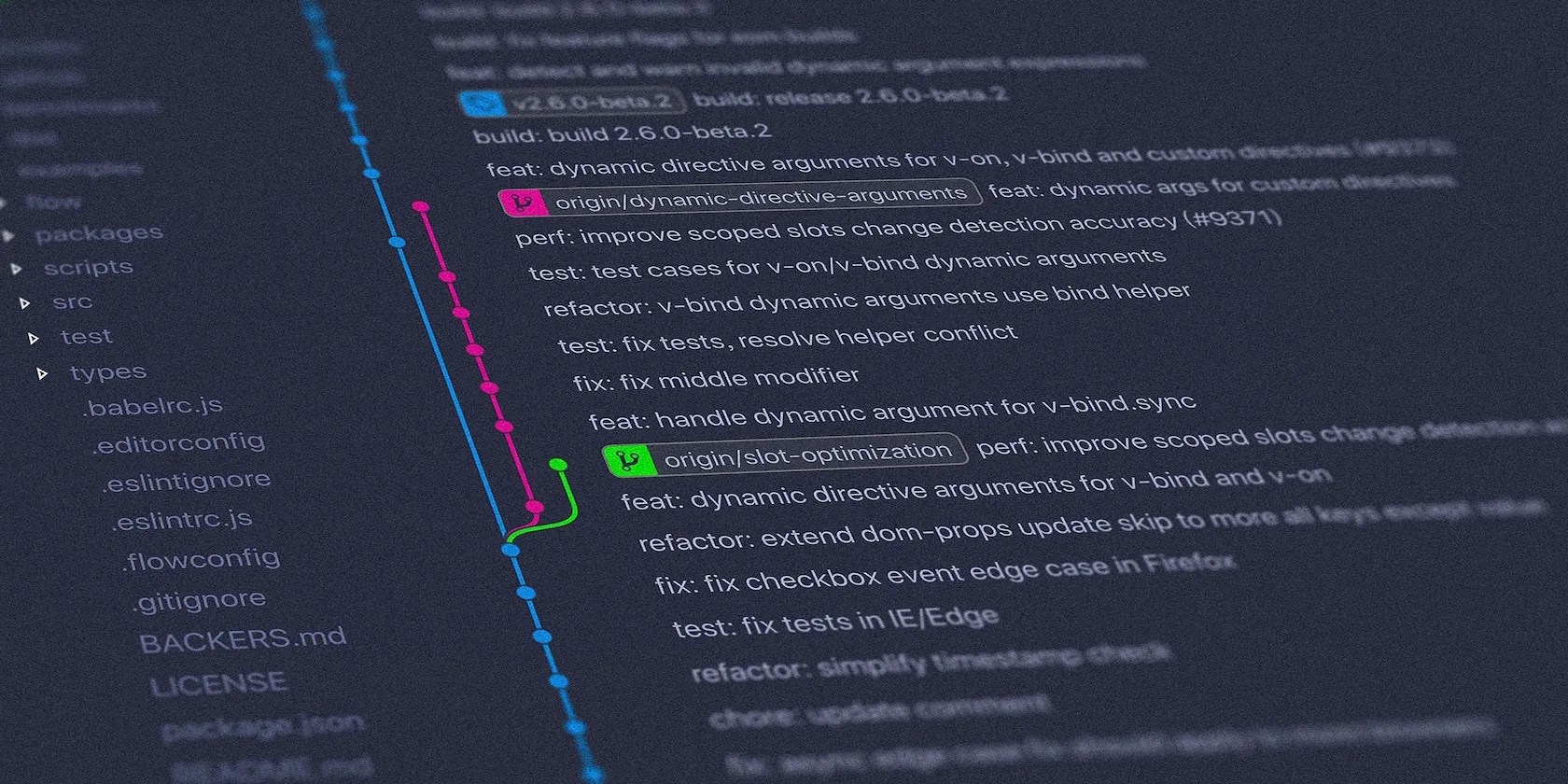
Git branches offer many benefits, including:
Removing Local Git Branches
As you create and merge branches in Git, it’s essential to manage them effectively to keep the repository clean and organized. When you no longer need a branch, you can remove it from the local repository.
The command to delete a local branch in Git is:

This command deletes the specified branch from the local repository. However, there are a few considerations to keep in mind before removing a branch.
Firstly, ensure that you’ve merged the branch into the main codebase or any other relevant branch. If the branch contains unmerged changes, Git will prevent its deletion unless you use the-Doption instead.

Secondly, make sure you are working on the correct branch before executing the delete command. Deleting the wrong branch can result in permanent data loss.
Introducing Git Aliases
Git aliases let you create shortcuts or custom commandsfor Git operations you commonly use. These aliases can significantly improve your productivity by reducing the amount of typing required and simplifying complex commands.
Creating Git aliases is a straightforward process. you’re able to define aliases either globally for all your repositories or locally within a specific repository.

To create a local Git alias, open your terminal or command prompt and navigate to the repository where you want to set the alias. Then, enter the following command:
Replacealias_namewith the name you want to assign to the alias andcommandwith the Git command or sequence of commands you want the alias to execute.
Creating Git Aliases to Remove Branches
Open your terminal or command prompt, navigate to your desired repository, and run the following commands:
These commands define two aliases:branch-removeandbranch-remove-force.
The first alias,branch-remove, removes a branch only if you’ve already merged it, while the second alias (branch-remove-force) forcefully removes the branch, regardless of merge state.
The exclamation mark (!) at the beginning of the alias definition indicates that it will execute a shell command. Thef() {}syntax defines a shell function that encapsulates the Git branch removal command.
This alias pattern provides a few benefits; among them, it lets you support the removal of multiple branch names via the$@shortcut. This approach can also make it easier to chain Git commands and use the full power of a Unix command line.
Using the Git Aliases
Once you’ve created the aliases, you can start using them toremove Git branchesmore efficiently.
To remove a branch that you’ve already merged:
Replacebranch_namewith the actual name of the branch you want to delete. To forcefully remove a branch, whether you’ve merged it or not:
Again, replacebranch_namewith the appropriate branch name. By employing these aliases, you can save significant time and effort when managing Git branches.
The ability to remove branches quickly and easily enhances your workflow, particularly if you’re working in a larger team, or on a project that uses many branches.
Without aliases, removing branches in Git requires typing out the full command each time, which can be tedious and error-prone. However, using aliases you may swiftly delete branches with just a few keystrokes.
Simplify Git Branch Removal with Aliases
Git aliases are a powerful tool that can help streamline your Git workflow and simplify common commands. With aliases to remove local Git branches, you can save time and reduce the effort required to clean up your repository.
Thebranch-removeandbranch-remove-forcealiases provide convenient shortcuts for deleting branches that you’ve already merged or forcefully removing unmerged branches.
You may have heard about Git and open source, but do you know how they work in tandem to improve software development?
Don’t let someone else take over your phone number.
This small feature makes a massive difference.
Goodbye sending links via other apps.
Lose your laptop without this feature, and you’ll wish you had turned it on.
These are the best free movies I found on Tubi, but there are heaps more for you to search through.
