How to Recover Your CCleaner Pro Key on Windows
When you upgrade CCleaner from the free version to Professional or Professional Plus, you’ll be required to enter a license key to unlock the pro features.
Here’s what to do if you have lost your pro key for CCleaner for Windows and need to recover it.

When You Might Need to Recover Your CCleaner Pro Key
Your CCleaner Pro license can be moved over to a new computer if you upgrade. In this situation, you will need to download the CCleaner software on the new computer and enter your license key to enable the professional features.
You might need to uninstall the software from the old computer before it can be reactivated on the new computer. CCleaner Professional Plus allows installation on up to 3 devices, but Professional is only for one device.
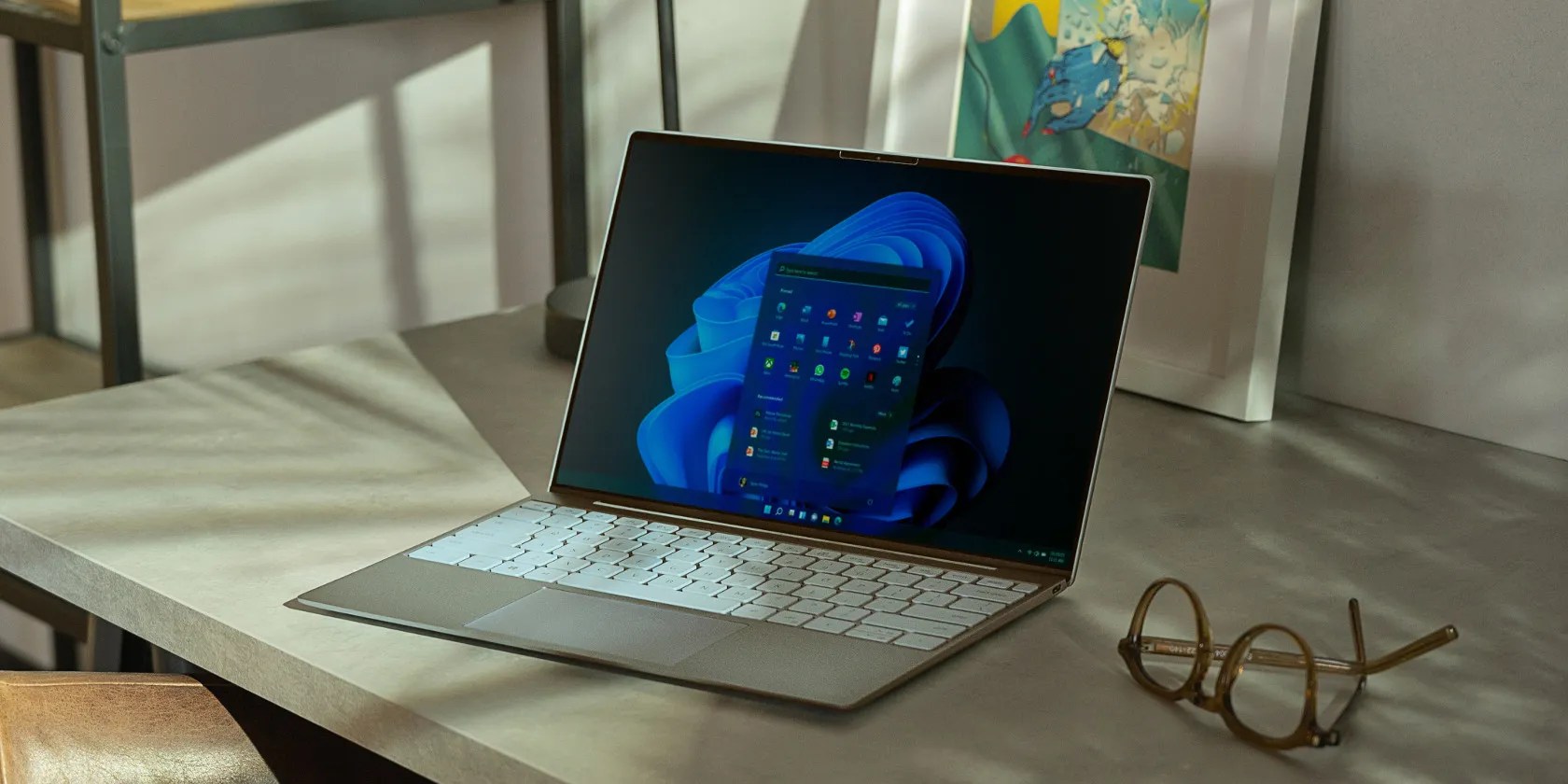
Updating the operating system on your existing computer can also sometimes reset the CCleaner software. This may also require the Pro license key to be entered again.
Similarly, a major update to the CCleaner software (like going toCCleaner 6) can occasionally require your license key to be input to confirm your Pro account.

Check Your Emails for the CCleaner Pro Key
The first place to check to recover your CCleaner Pro key is in your emails. When you purchase a pro license, Piriform will email your key to the address you used during signup. If you upgraded to Pro recently, the email may still be sitting in your inbox.
If you regularly use more than one email address, ensure you check the inbox for the account you used when you bought the Pro license. You might have to search your emails if you upgraded a long time ago. Search for the termsPiriform,CCleaner, andLicense key.

It is easy to accidentally delete important emails. If you don’t find the original message that included the key, you’ll need a different way to recover it.
Use the CCleaner Account Lookup Tool
If all else fails you can use the CCleaner account lookup tool to recover your Pro license key. You can find the account lookup tool on theCCleaner website. You will need to know the email address you used when you purchased the license to use the lookup tool successfully.
Enter your email address in the marked field, and then complete the Captcha to confirm you’re not a robot. If you correctly entered the email address associated with the account, and if the license is still active, you will receive an email containing the key.

Where to Enter Your Pro License Key in CCleaner
Just in case you have forgotten, here’s how to enter your Pro key into the CCleaner software.
If you use a password manager such as LastPass orone of the many LastPass alternatives, it is a good idea to save your license key inside it for future reference. The CCleaner Pro key doesn’t need to be stored super-securely, but it is less likely to be lost again if it’s kept in a secure place like this.
Recovering a CCleaner Pro License Key
There are several reasons why you might need to recover and re-enter the professional license key for CCleaner. Without it, you won’t be able to take full advantage of the popular system cleaner software. Knowing how to recover your key quickly and easily means you don’t have to worry too much about losing it.
Looking for an alternative to CCleaner for cleaning your PC? Here’s an up-and-coming app that might be up your alley.
Not Linux, not Windows. Something better.
My foolproof plan is to use Windows 10 until 2030, with the latest security updates.
Your phone is a better editor than you give it credit for.
It’s not super flashy, but it can help to keep your computer up and running.
Goodbye sending links via other apps.
