How to Get the Apple TV’s Aerial Screen Savers on Your Mac
The screen saver is typically an afterthought for most people when customizing their Mac. macOS has lots of built-in screen savers, from album art covers to the classic “hello” that is a reference to the original Macintosh, but they pale in comparison to the aerial screen savers on an Apple TV.
Luckily, it’s possible to download similar aerial screen savers to use on your Mac.

Apple TV Screen Savers
The Apple TV gives the option to display a unique screen saver that is not available on macOS by default. If you are unfamiliar with the Apple TV, have a look at our primer onhow the Apple TV worksto grasp the basics. Essentially, Apple TVs provide aerial videos of destinations around the world to act as stunning 4K screen savers.
The videos are professionally made and are perfect to have running in the background when you aren’t watching something. If that sounds good, there is a way to get the same videos on your Mac.

What Is Aerial Companion?
While there are alreadymultiple ways to personalize your Mac, Aerial Companion can help elevate your macOS screen savers. Aerial Companion is an application that allows you to set aerial videos as a screen saver on your Mac. The app provides videos of locations from all over the world, including well-known cities, the sea, and even videos in space.
You can also get the same videos that were used in tvOS 15, tvOS 13, and tvOS 10. In addition to those, there are community videos that you can download.

How to Install Aerial Companion
You can download Aerial Companion from the Aerial page onGitHub. The app is a free download. Once you make your way to the website:
How to Enable Aerial Screen Savers in System Preferences
Now that you have installed Aerial Companion, you will have to manually switch your screen saver to the Aerial screen saver. You can do this through System Preferences on your Mac. Just follow these steps:
How to Customize Your Mac’s Aerial Screen Savers
After enabling the Aerial Companion app, you can configure various settings to customize the screen savers exactly to your liking.
Maximize the Resolution of the Videos
By default, the videos are loaded onto your computer in a 1080p, H.264 format. If your Mac’s has a 4K or 5K display, you will want to enable the 4K resolution video format. That way, you get the best quality video during playback. To change the format of the videos:
The 4K versions of the videos will now start to download in the background. You can continue to use your Mac as normal. If you have an external monitor that supports HDR, you can select the4K HDRformat instead.

Curate Certain Destinations
With Aerial Companion, you may select which videos you want to play during the screen saver. If you only want to see videos of space, for example, you can uncheck the other videos to curate only space videos. To do this:
Now, the only videos that will play as your screen saver will be space videos. If you would like to add more videos to the mix, you could also download additional videos that are from tvOS 15 in theBrowse Videostab. Underneath that tab is theMore Videostab, where you can choose to download screen savers from previous tvOS versions and community videos.
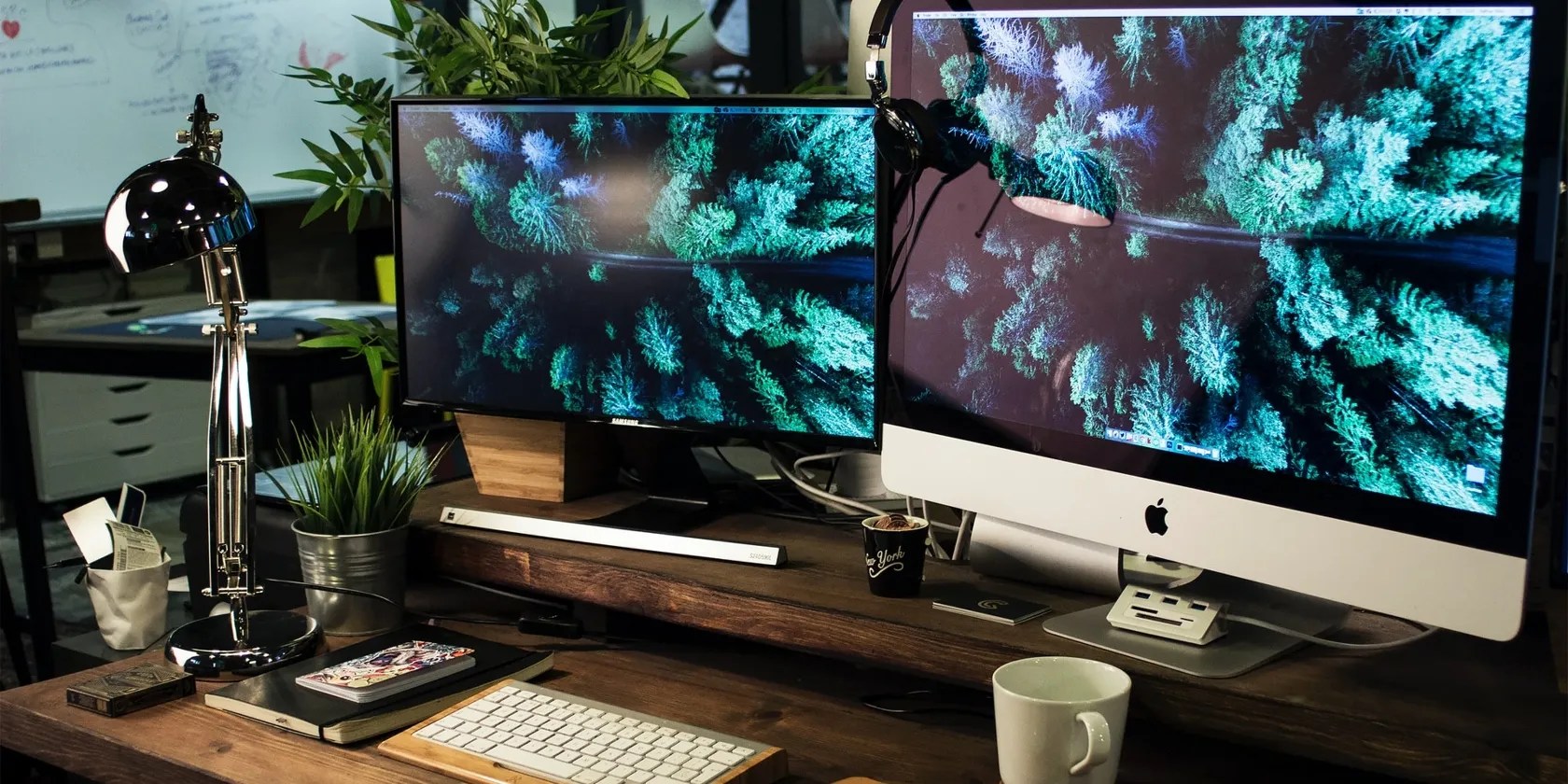
More Ways to Customize Your Screen Savers
In addition to being able to select which videos you want for your screen saver, you could also modify what information overlays on the videos. You can add information such as the time, weather, and your MacBook’s battery percentage. InScreen Saver Options, you can selectOverlaysand you will be presented with multiple options.
You can add your Mac’s battery status, a message, a clock, a location, a countdown, a timer, and more. Another way you can customize the screen savers is by adjusting the vibrancy of the videos. Adjusting the vibrancy changes the colors in the videos to make them stand out more. It’s important to note that this option is not available for HDR videos.
If you would like to make the videos change depending on the time of day, you can do that as well. You’re able to make videos play based on your location, whether you have Light or Dark Mode enabled, or by macOS Night Shift Calculations. You will need to be running macOS Mojave or later to have the videos change based on Light or Dark Mode.
After setting up your screen savers, you may find that you would like to have some kind of Live Wallpaper on your Mac desktop. Thankfully, there aremultiple ways it’s possible to get Live Wallpapers on your Mac.
Now You Can Enjoy the View From Your Mac’s Display
Changing the screen saver on your Mac is a small but unique way to customize it to your liking. After the setup process, you can enjoy beautiful aerial videos of your favorite locations on your Mac, the same way you can on an Apple TV. It’s a creative and artistic way to customize your Mac and give it a more aesthetic presence in the room.
Looking for a new high-resolution wallpaper? Here are the best free HD wallpaper sites for finding fresh desktop backgrounds.
You’re conveying the wrong meaning when you send these emojis.
Not all true crime is about hacking, slashing, and gore.
The fix was buried in one tiny toggle.
It’s not super flashy, but it can help to keep your computer up and running.
Revolutionize your driving experience with these game-changing CarPlay additions.
