How to Enable the SteamOS Beta on Your Chromebook
When you think of gaming, a Chromebook probably isn’t the first device that comes to mind. Yet a new generation of gaming Chromebooks is bringing proper gaming to ChromeOS devices with higher specs than you’d typically expect to find. Furthermore, the world’s biggest gaming platform, Steam, is also making its way to ChromeOS.
You can now install the Steam on ChromeOS Beta on compatible Chromebooks, where you can install and play your favorite games just as you would on a Windows machine.

If that sounds like your cup of tea, here’s how you install the Steam on ChromeOS Beta on your Chromebook.
What Is the Steam on ChromeOS Beta?
Up until now, playing games from your Steam library on your Chromebook was only achievable through a game streaming service like Nvidia GeForce Now or via the Steam Link Android app on compatible Chromebook devices.
But now, Steam has ported its full platform to ChromeOS, allowing you to install your Steam library on a Chromebook and play your favorite games without streaming or using another app. It’s a move that shouldboost the popularity of Chromebooks.
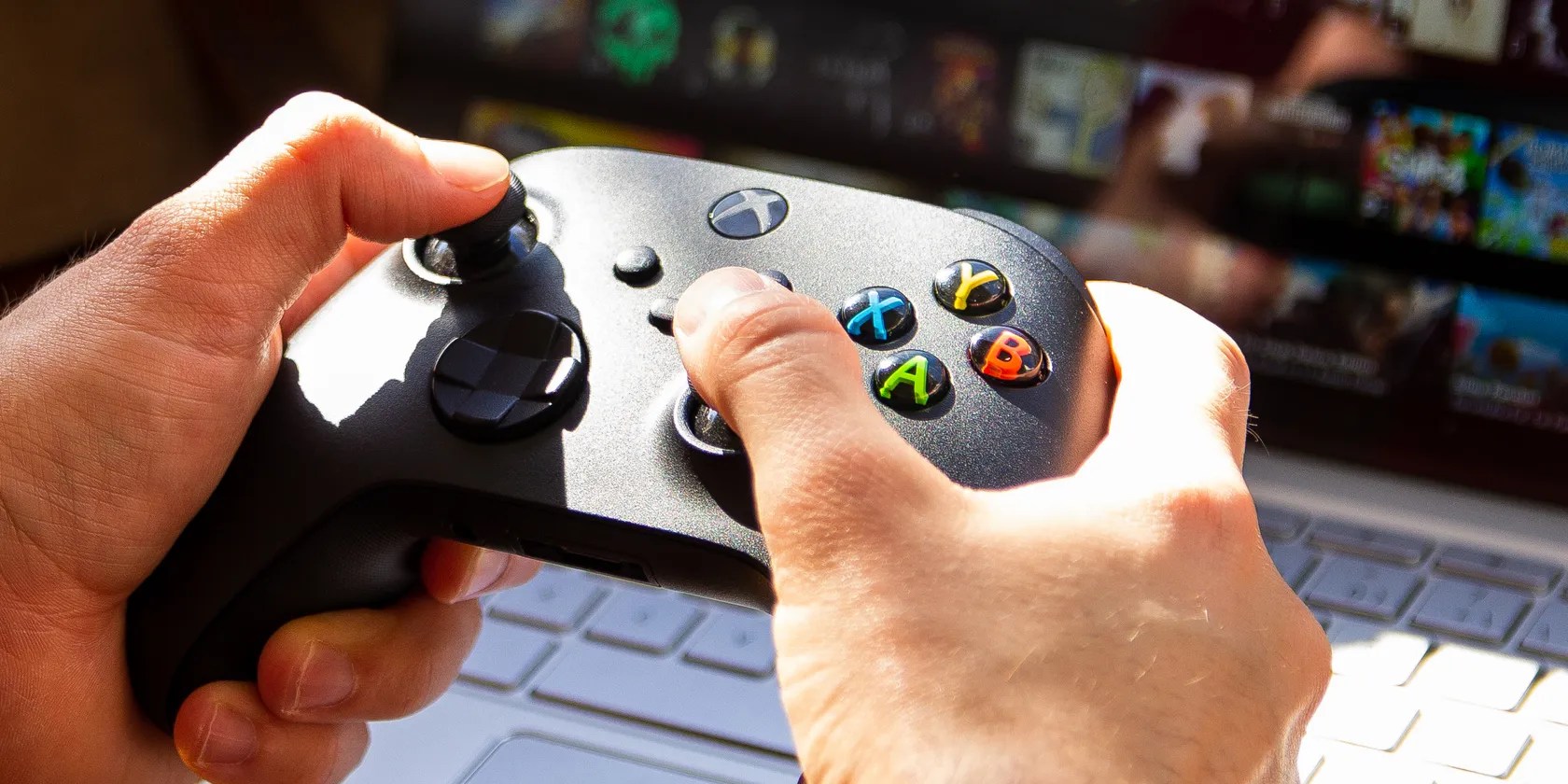
Which Chromebooks Are Compatible With the Steam on ChromeOS Beta?
Not every Chromebook is compatible with the Steam on ChromeOS Beta. There are several specific Chromebook models,like the Acer Chromebook 516GE, which have at least an Intel Core i3 or AMD Ryzen 3 CPU, along with at least 8GB RAM.
That list will expand as more gaming Chromebooks enter the market.

How to Install the Steam for ChromeOS Beta on Your Chromebook
Presuming you have a compatible Chromebook, here’s how you install the Steam for ChromeOS Beta.
Please note that switching back from the Beta or Dev channel to the Stable channel will wipe your device, so make sure to back up your device before doing so.

Once the installation completes, you can log into your Steam account and begin installing games. TheSteam on ChromeOS Beta pagelists the currently compatible games.
Now you can use Steam on your Chromebook, you might think you’ll be jumping straight into the latest and greatest. However, as all Chromebooks use integrated graphics rather than a discreet GPU, your gaming experiences are still limited.

Go and Try the Steam on ChromeOS Beta
For the most part, the Steam on ChromeOS Beta works well. There are limitations in the number of games currently available to Chromebooks, but that number will rise with time. And who knows, maybe we’ll eventually see Chromebooks with dedicated graphics cards!
Can you play Roblox on a Chromebook? Yes, you can, and it’s easy to set up. Here’s how you do just that.
You’re not getting the most out of what you pay for iCloud+.
Goodbye sending links via other apps.
One casual AI chat exposed how vulnerable I was.
The fix was buried in one tiny toggle.
Tor spoiled me forever.
