How to Digitize Old 8mm and Super 8 Cine Film for DVD or USB
Nothing lasts forever, especially film. Home movies made on 8mm film stock are likely to last around 70 years. But that is only if the films are kept in very specific conditions.
Sign up forfree
Forgot your password?
Create an account
*Required: 8 chars, 1 capital letter, 1 number
By continuing, you agree to thePrivacy PolicyandTerms of Use.You also agree to receive our newsletters, you can opt-out any time.

But there is a way to stop this. Here’s what you need to know about converting your old 8mm and Super 8 films to digital formats to view on USB or DVD.
Check, Measure, and Clean Your Films
While you have the option of DIY or third party conversion to digital formats, it is important that you carry out a few practical exercises first. Old films need checking that they’re suitable for playing before they can be converted. Films that have started decaying might have developed holes, or other damage might have occurred, such as torn spindles or rips.
You should also measure the film. This will give you an idea of how long conversion might take, but more specifically tell you how much you might pay for conversion by a third party. Most film reels (they come in 3, 5, 7, 8, and 9-inch sizes) will display the maximum length of the film, but yours might be shorter than that. A rough idea of length is useful, but it is worth measuring the film more accurately, preferably in feet.
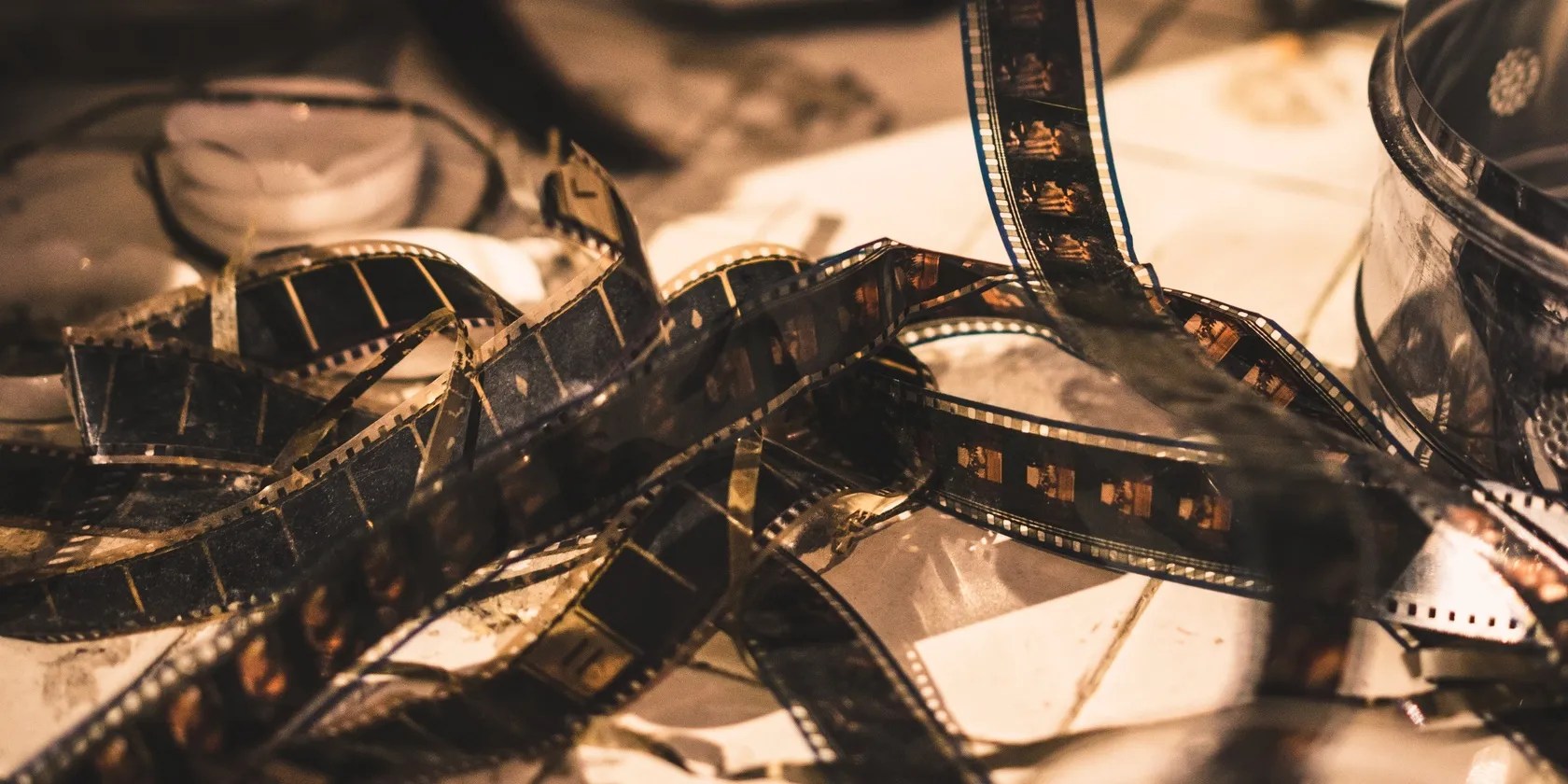
Just as importantly, you should clean your film before conversion. This can be quite time intensive, and requires a dedicated cleaning solution.
Where you are in the world will depend on the solution you use—start your search with “Butler’s cine cleaner” to find something suitable.

Companies offering digitizing services should clean the film as part of the process.
Once your film is checked, cleaned, and measured, three options are available to convert it to a digital format.

1. Record Film Projected on a Screen With a Digital Camera
Perhaps the most obvious method of digitizing 8mm and Super 8 film is to video the projection. Assuming you have a projector, this is a workable solution, albeit one that loses resolution.
For the best results, black out windows, switch off all the lights and set up your digital camera to record the projected image. Better results can be enjoyed with an old converter box. These were used many years ago for converting cine film to video, and are still useful. Simply project the film into the box and photograph the reflected image.

These devices can be found at flea markets and on eBay (be sure toshop safely on eBay) quite cheaply. Various brands were available—search for “cinelink” to get started.
You’ll probably spot when playing back the recorded footage that the frame rate and resolution are not as expected. The nature of recording film in this way means that some loss of quality is to be expected. It’s the low budget option, essentially, but alternatives are available.
2. Do It Yourself With a Film Converter
Several devices are available for DIY conversion, using dedicated tools to digitize old films. Note that while these may include basic image editing tools, further work may be required to restore the original sharpness and colors of your film, frame-by-frame.
Use a Film and Slide Digitizer
A device like theKodak Scanzais suitable for multiple conversion tasks, not just film. It can handle slides, negatives, and 8mm and 16mm films, thanks to a range of conversion tools.
However, it has a key shortcoming: you will need to manually scan each frame of your film. That can take a considerable amount of time, so unless you’re looking for a way to simply convert individual frames to photos, it is probably best avoided.
Buy a Reel-to-Reel Converter
The best alternative is a reel-to-reel converter. This is a device that looks like a projector, but instead of being equipped with a lamp and a lens, has a display. Here, the frames of the film (typically all formats are accommodated) are scanned as the movie plays.
This gives you a full conversion in around the same amount of time as it takes to play the film.
You might consider theKodak Reels, although theWolverine 8mm and Super 8 converteris a popular alternative.
Hire a Reel-to-Reel Converter
If paying for some new equipment just for converting one or two films seems like a big deal, try hiring. Various suppliers offer reel-to-reel converters like the one above for hire. For a comparatively small fee, it’s possible to borrow a converter, play your film through it while digitizing it, and potentially return the device after a few hours.
3. How to Find a Specialist to Convert 8mm Film to Digital
Some years ago, I attempted the DIY method of projecting old films onto a screen and filming with a digital camera.
I tried it with a single 13-minute film, running on a 50-year-old projector. The result was slow, jerky, and sadly rather low resolution.
With this in mind, and given the necessary cleaning required before using a converter, I opted for sending the films away. This was a big deal as they contain footage dating back to the early 1960s.
However, the results were superb.
Now, while I cannot recommend a specific business for digital conversion, you should look for a service that:
It may well be difficult to find a film transfer business that can meet all of these requirements. However, given the prices involved (conversion is typically charged by the foot), it is worth taking your time to shop around, make inquiries, and be satisfied that you’re making the right choice before spending money and sending your reels of film into the hands of strangers.
When the films return, they will typically be accompanied by a USB stick, DVD, or even a URL to download the conversions from (suitable foruploading the video to YouTube). You won’t believe how good they look.
Convert Your Old 8mm Films for Future Generations to Enjoy
If you own 8mm or Super 8 film that needs converting, it should be done sooner, rather than later. You have three options:
All three options are good, and suit various budgets. Once converted to a digital file format, the video can be uploaded to YouTube, saved to USB or DVD, or even shared on Facebook.
Here are all the ways to digitise your old slides, photos, and negatives without paying someone else.
I found my TV was always listening—so I shut it down.
I gripped my chair the entire time—and then kept thinking about it when the screen turned off.
Your phone is a better editor than you give it credit for.
Now, I actually finish the books I start.
Quality apps that don’t cost anything.
