How to Build a Crypto Comparison Website in 5 Clear Steps
While it’s barely out of the news cycle, the world of cryptocurrency remains in its fledgling stage. This can open many opportunities for individuals and organizations seeking to build into the crypto ecosystem.
Explore the steps and tools required to create an appealing crypto comparison website.

Setting Up Your Crypto Comparison Website
Building a cryptocurrency comparison website is a little different from traditional websites. You should ensure that you prioritize factors like usability and performance to offer a better overall product than your competitors.
Step 1: Examine Your Competitors
The first step that you should take is to examine the existing cryptocurrency comparison platforms available. While some websites likeCoinMarketCap,CoinCompare, andCryptoComparespecialize in these comparisons, platforms likeCoinGeckohave incorporated similar tools, and most major exchanges will offer comparisons at a glance.
Of course, it’ll be a stretch to say these platforms are direct competitors of yours, simply because of their sheer size. Yet, one day, you may compete with them for traffic share.
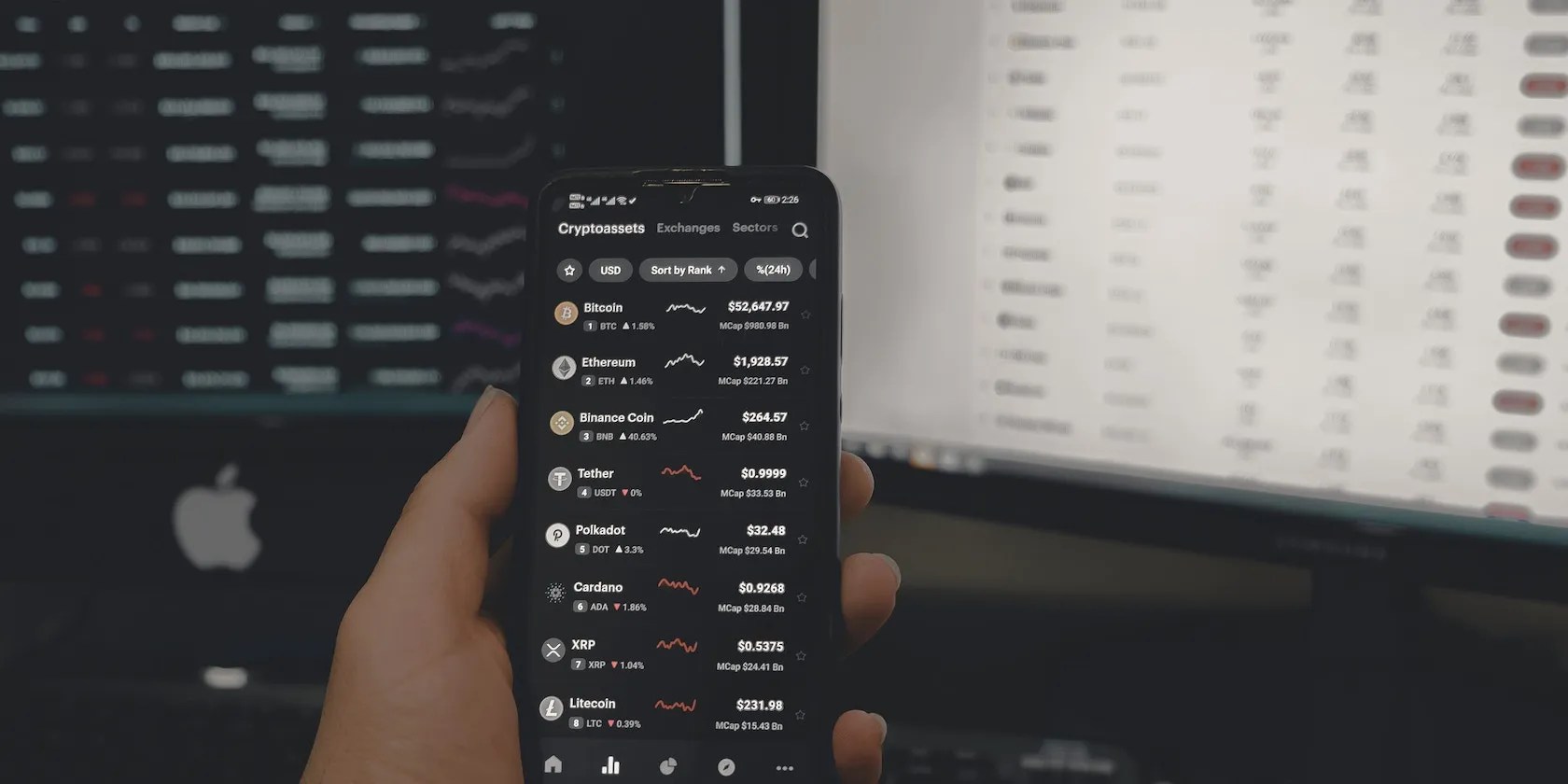
Take a look at these platforms and examine the assets that may have contributed to their success. Not only can this provide a greater level of context for the crypto market, but it can also pay dividends in offering plenty of ideas on how to establish a successful crypto comparison website.
Step 2: Get Your Domain Name and Hosting
As you might have noticed, most crypto comparison websites contain some sort of a crypto-related keyword in their domain name, like “coin” or “crypto”.
It’s a good idea to do the same and play with words a bit. If you’re struggling with a domain name, use a tool likeDomain Wheel. The platform will generate a few ideas for you and show you the words that rhyme with your selected keyword.

Once you’ve compiled a list ofpotential domain namesthat you like, head over toNameCheapto purchase your domain name.
As it’s possible to see with this example,cryptospace.infosounds like a good deal, especially when you consider that a.netgoes for ~$15,000. Domain names can vary enormously in price; it pays to shop around.

Once you have your domain name registered, go ahead and look for website hosting. Since we’ll be building a crypto comparison website using WordPress, it’ll be easier to specifically look forWordPress hosting.
If you’re looking for something reliable yet affordable,Bluehostis a great option. If budget isn’t your main concern, opting for a premium provider likeKinstawould give you the needed speed, performance, support, and security.

Depending on the hosting provider, WordPress installation may differ. With both of the options above, installing WordPress is fairly straightforward; both platforms will guide you through the process.
However, to use the domain name you purchased with NameCheap, you’ll need to point your host’s nameservers to NameCheap’s DNS settings. To do so:
It’ll take some time to propagate, so don’t be alarmed if your website doesn’t load properly yet.
Step 3: Getting Your Styling Right
Now that you have your WordPress website up and running, it’s time to get to the nitty-gritty of designing your website.
To start with this, you’ll need to select an appropriateWordPress theme. Although there are themes designed specifically for building crypto-related websites, most of these have limited customization options. Instead, try one of the most popular premium themes,Divi. The level of customization provided by Divi makes it a great option. Divi costs $89/year or $249 as a one-off fee.
Once you open your account, just go ahead and download a ZIP file.
Once downloaded, go to yourWP Admin, navigate toAppearance>Themes, and upload Divi’s ZIP file.
Once you’ve installed the theme, make sure to familiarize yourself with the options available. It may take some time to get your head around Divi’s customization options. It is useful to go throughDivi’s documentationto learn how the theme works.
Step 4: Building Your Crypto Engine
Luckily, there are various crypto plugins available that are already pre-built with charts, prices, tables, widgets, and modules. Therefore, there’s no need for coding or further development.
Generally, these plugins are premium and available for purchase fromCodeCanyon.
Two leading plugins areCoinpressandCoins MarketCap. Both of these plugins come pre-connected to APIs, so their crypto data is regularly up-to-date.
Although both of these are decent options, we’ll be using Coinpress as an example. It offers more than 2,200 coin detail pages for WordPress websites, as well as search functions, social feeds, tables, and analytical charts for assets.
The first thing to do is to purchase and download the plugin from CodeCanyon.
Then, navigate back to your WordPress admin page, and go to‘Plugins’>‘Add New’.
Once you have the plugin installed, it’s worth spending a few hours getting to know the plugin. Go through the settings and customize your crypto pages, which the plugin creates automatically when you install it.
To add a new widget, you would simply need to go to‘Coinpress’ >‘All Widgets’>‘Add New’. Once you’ve designed your widget, simply copy and paste the shortcode to your designated page.
The end result of a table widget would look something like this:
Coinpress works on shortcodes, so by using Divi’s visual builder and Coinpress’ list of shortcodes, you can customize individual pages and widgets to your liking. The full list of shortcodes is available inCoinpress>Settings>Shortcodes.
Step 5: Tracking and Analytics
Now that you have the foundation in place and your pages functioning, it’s now time to get your analytics sorted out.
Apart from usingGoogle Analytics 4, and since GA4 has moved to an ‘engagement’ model, you can use an alternative analytics platform likeFinteza. With Finteza, it’s also possible to monitor your bot traffic to gain a more holistic view of which visitors are authentic and which are simply monitoring programs, bots, and spammers.
It’s through these insights that you can shape your website to better cater to the users you’re attracting. You can also identify which pages aren’t getting as much attention and troubleshoot why visitors aren’t spending enough time viewing them.
Installing Finteza on your website is a straightforward process, which is very similar to Google Analytics. The service will give you acode to place in theorof every page that you want to track.
Step 6: Optimize Your Pages With Yoast
To action the insights you gain from your analytical platforms like Google Analytics and Finteza, you’ll need an SEO-focused plugin that can help to make your pages as discoverable as possible for visitors.
Although WordPress uses high-quality coding practices and outputs to make it highly SEO-friendly from the off, it’s worth utilizing free plugins likeYoastas a means of ensuring that you’re as discoverable as possible to users.
Yoast offers website owners a range of features that can help to optimize their website, including built-in content analysis, meta title, and description management, monitoring duplicate content, XML sitemaps, social optimization, rich snippets, and plenty more that can help you to rise through Google’s SERPs and become an essential choice for users wishing to learn more about cryptocurrency comparisons.
Tailor Your Cryptocurrency Site to Your Audience
It’s important to note that no website is ever complete. The best site owners will continue to seek out opportunities to improve their pages, usability, and UX to gain advantages in their visitor numbers and engagements.
Continually review core processes related to your comparison website, like your target audience profile, page performance, and where visitor bouncebacks may be occurring. Take necessary steps to avoid losing ground on your competitors.
The cryptocurrency ecosystem is rich with opportunities for website owners, and by optimizing your service, you could provide an essential resource.
If you want to set your blog up for success, install these WordPress plugins.
So much time invested, and for what?
One casual AI chat exposed how vulnerable I was.
Free AI tools are legitimately powerful; you just need to know how to stack them.
Quality apps that don’t cost anything.
You’ve been quoting these famous films wrong all along!
