Google News Has a New Look: Here’s What’s Changed
When you’ve browsed through your phone or desktop, there’s a good chance that you’ve stumbled upon bits of local or international news through Google Discover or Google News.
Google News is an aggregator service that collects news from thousands of publishers and magazines around the world, then serves them up to users like you. For many, this is their primary source of news and information.

Google announced that Google News is getting a fresh new look. Let’s explore Google News' new look, what’s changed, and what to expect from Google News going forward.
Google News Gets a New Look
Likemost popular sites from way back, Google News was launched in September 2002. To mark its 20th anniversary, Google is giving it a slight makeover. The announcement was contained in a blog post shared byGoogle.
The original Google News appeared much more clunky, with a navigation bar down the side, and widgets to the left.

Google’s updated design for Google News appears much more modern. The navigation bar with categories has been moved to the top, and the design has been refreshed.
What’s Changed With the Google News Redesign?
As can be seen from the images above, the original Google News site has a left sidebar whose top section features categories like Top Stories, For you, Following, Saved searches, and COVID-19.
The lower section of the left side sidebar features categories like Local news, World news, Business, Technology, Entertainment, Science, Sports, and Health.

On the right sidebar, there’s a dedicated section for local weather and Fact check, whichallows you to verify information. All the above-listed categories have been removed from the sidebars in the new Google News.
They’re now tabs on the top toolbar of the new Google News site, making the site appear like a stripped-down version of the original Google News site.

The new Google News site has aYour briefingfeature that contains all your key news recommendations,more like Feeds in Chrome. Together with the cleaner margins, they allow you to focus more on the news without the surrounding clutter of the old Google News site.
How to Try the New Google News
Like many other users, you’re probably eager to check out the new Google News for yourself. Thankfully, the process is easy and straightforward. Here’s how to use the new Google News:
Spend some time on the new Google News site and see if you notice any changes in how your usual news is served.
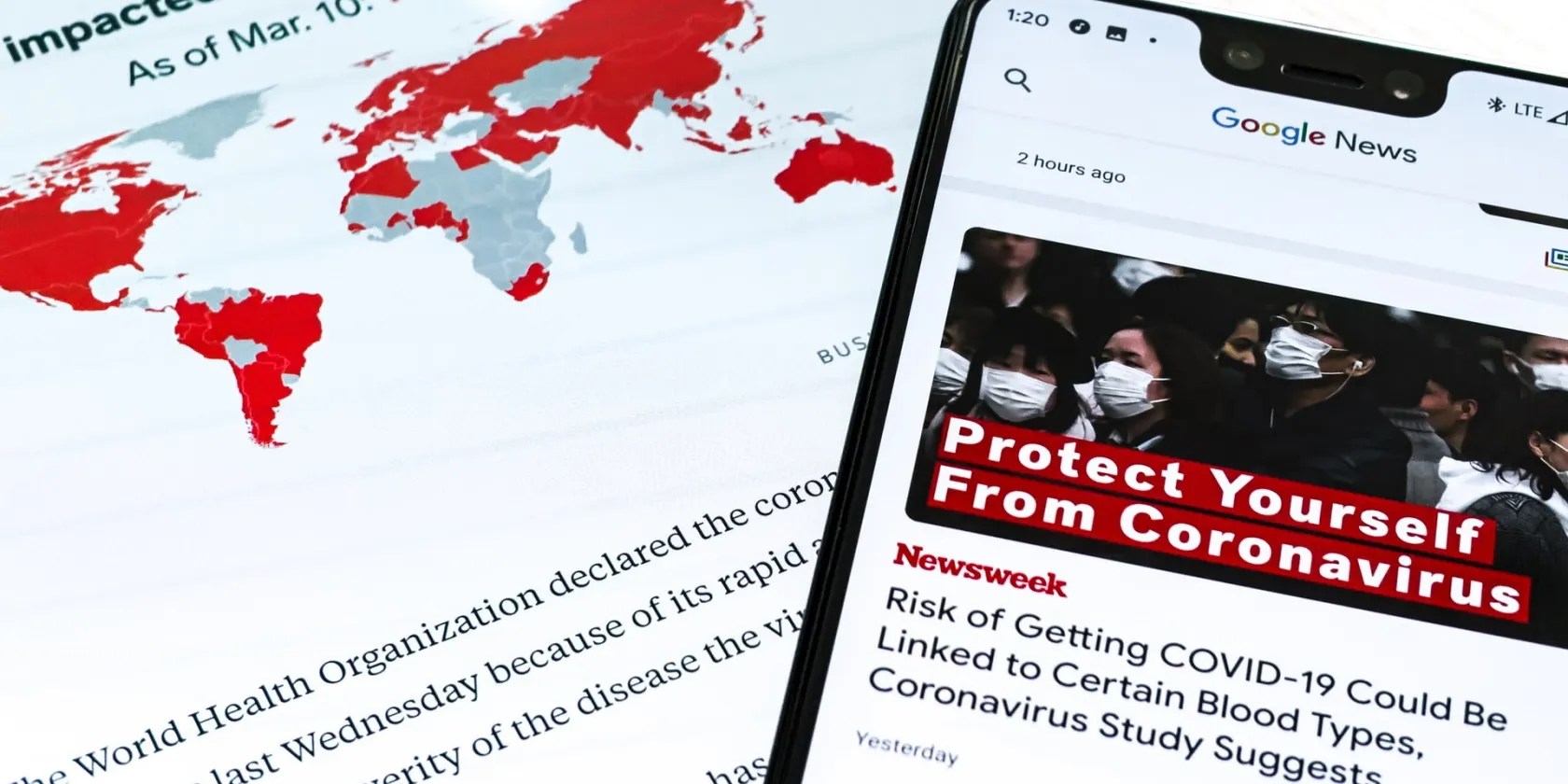
How to Revert to the Original Google News
If, for whatever reason, you prefer the original Google News, it’s also easy to roll back to the previous site. Here’s how to revert to the original Google News site.
Note that you’ll have to be signed in to your Google Account to revert to the original Google News. You can switch between both sites as many times as you want.
What to Expect From the New Google News
The new Google News is prioritizing local news and personalized content. It is also much easier to navigate and has a better UI, which helps to improve the user experience.
For instance, with the arrangement of the new tabs, similar to most websites, it’s possible to quickly switch from say Local news to World news and vice versa with a simple click. You can also more easily access Settings.
Whether you settle for the new Google News or the original Google News, you can be sure to get the usual daily dose of news and information for which Google News has become popular.
If you use Google News, it might be worth personalizing your feed, so you see more relevant content. Here’s how you can do this.
You’ve been quoting these famous films wrong all along!
Some subscriptions are worth the recurring cost, but not these ones.
Now, I actually finish the books I start.
The key is not to spook your friends with over-the-top shenanigans.
OneDrive is one of the best, but it has a catch.
